Getting Started
Load and query your first graph
Load a small dataset into a workspace and ask your first question with the CLI.
Before you start
Install Legra, then sign in:
legra account login
You need a reachable Legra node and write access to a workspace for this walkthrough. If your organization provides a node or connection ticket, use the settings in Connecting to Legra.
Select a workspace
List the workspaces available to your account:
legra workspace list
Choose a workspace for sample data. Replace research below with its name
or identifier:
legra workspace use research
legra workspace current
If you need a new workspace and have permission to create one, run
legra workspace create --name research before selecting it. To join someone
else's workspace, accept their invitation.
Create a sample file
Save the following as people.ttl in your working directory:
@prefix ex: <https://example.org/> .

ex:alice ex:name "Alice" ; ex:knows ex:bob .
ex:bob ex:name "Bob" .
Upload to a named graph
The graph name lets you find this dataset again:
legra graph upload people.ttl --graph https://example.org/quickstart --target-branch main
Wait for the upload to complete successfully before querying it.
Read the names
Save this query as names.rq:
SELECT ?name WHERE {
  GRAPH <https://example.org/quickstart> {
    ?person <https://example.org/name> ?name
  }
}
ORDER BY ?name
Inspect its formatting and check the syntax before running it:
legra graph format names.rq
legra graph validate names.rq
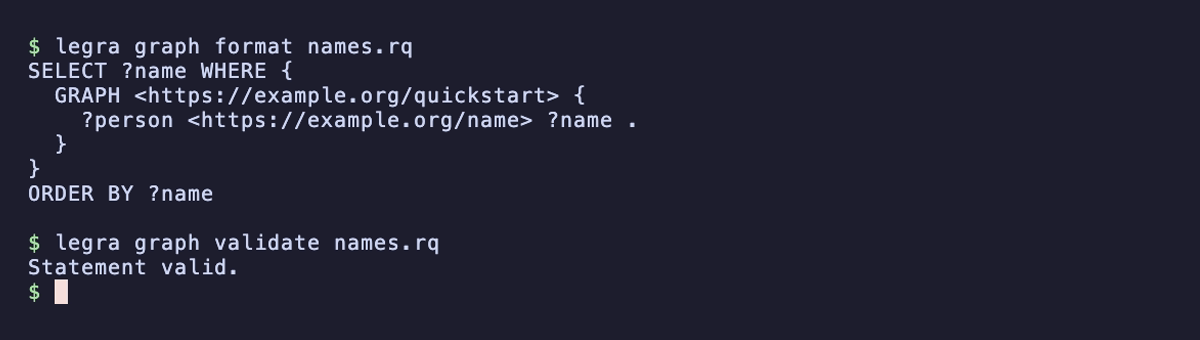
Execute the query against your uploaded data:
legra graph query names.rq --branch main --format tsv
Expected output for the sample dataset:
?name
"Alice"
"Bob"
The GRAPH clause selects the graph you just uploaded; a query against a
different graph will not find those facts. The first output line names the
column, and the next two lines contain its values.
Continue
- Loading Data covers other formats and directory uploads.
- Querying explains patterns and result formats.
- Review data changes walks through a branch-based change.
- CLI reference lists commands by task.