Reference
CLI: format
Format a query or update for easier reading.
legra graph format [input]
The input can be a statement or a file path. With no argument, the command reads standard input:
legra graph format people.rq
legra graph format 'SELECT ?s WHERE { ?s ?p ?o } LIMIT 5'
The formatted statement is printed to standard output. To save it, choose a different output file so the shell does not truncate your input:
legra graph format people.rq > people-formatted.rq
Formatting does not execute the statement. See Validate for syntax diagnostics.
Example output
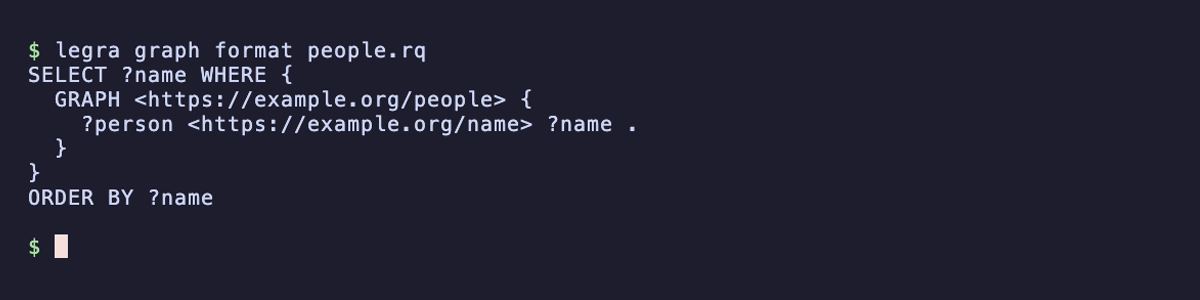
Save this query as people.rq:
SELECT ?name WHERE { GRAPH <https://example.org/people> { ?person <https://example.org/name> ?name } } ORDER BY ?name
Run legra graph format people.rq to add indentation and line breaks: