Reference
CLI: validate statement syntax
Check a SPARQL statement without running it.
legra graph validate <statement-or-file>
legra graph validate people.rq
legra graph validate 'SELECT ?s WHERE { ?s ?p ?o } LIMIT 5' --json
Use the diagnostics to locate syntax errors, correct the statement, and run
validation again. --json provides machine-readable diagnostics for editors
and scripts.
This command checks statement syntax. It does not check whether your data satisfies workspace validation rules or whether a proposed update is permitted. Those checks apply when you operate on the workspace.
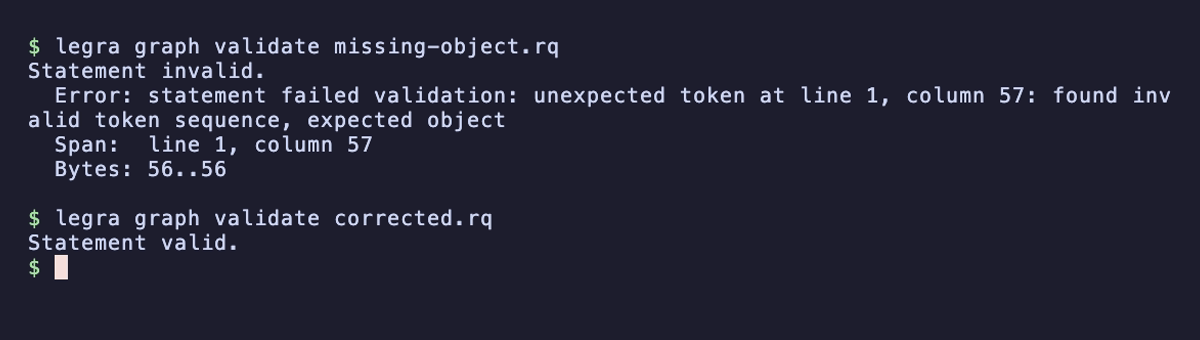
Find a missing object
This statement, saved as missing-object.rq, has a subject and predicate
but no object:
SELECT ?name WHERE { ?person <https://example.org/name> }
The diagnostic points to the incomplete pattern. Add ?name after the
predicate and save the corrected query as corrected.rq, then validate again: